v0.3.0 MIT License Python 3.9+

Stata CLI Is All Reg Monkeys Need

A command-line interface for Stata via PyStata — built for humans and AI Agents. Run code, view data, export graphs, all with sub-second execution.

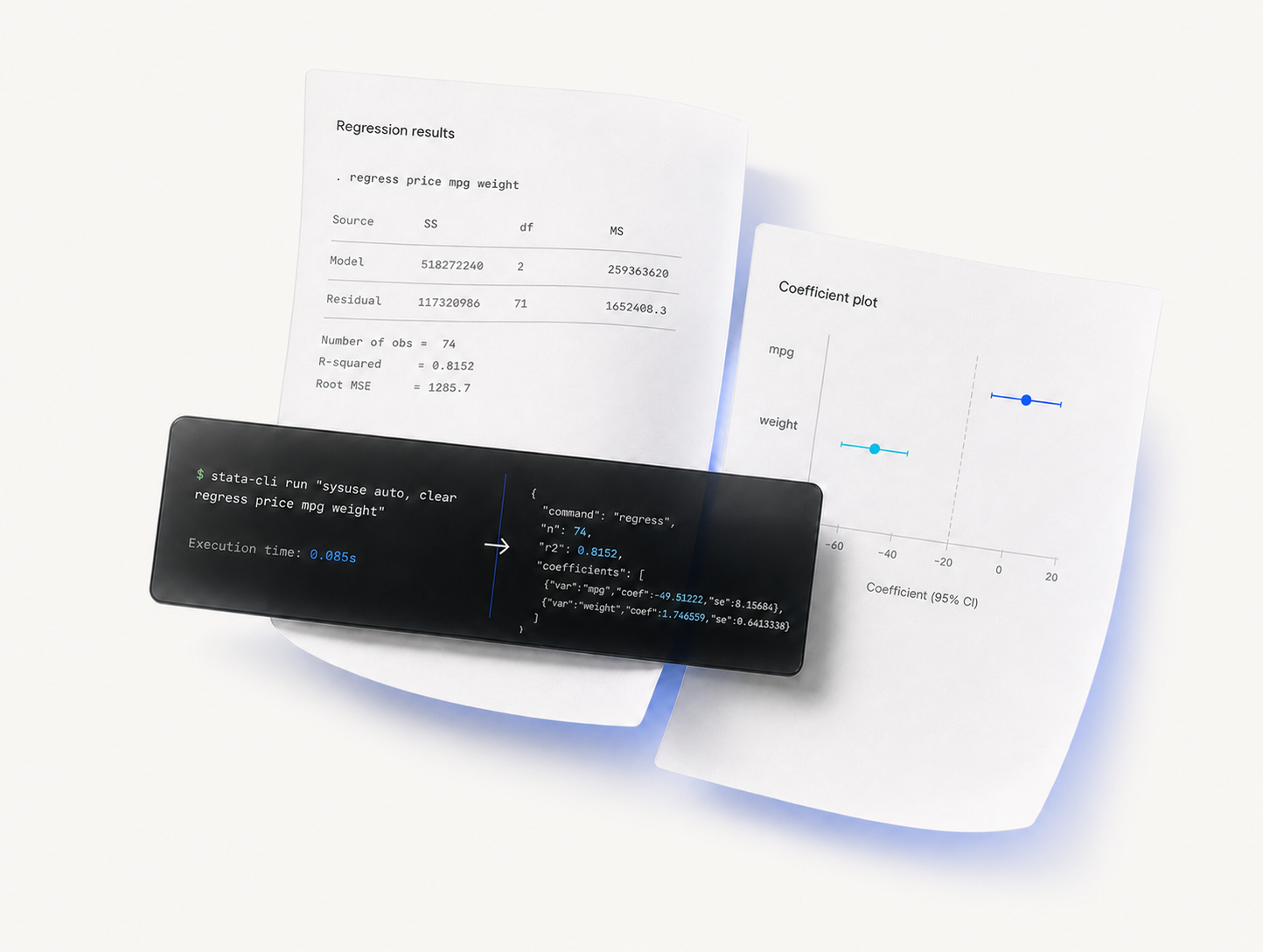
$ stata-cli daemon start
Daemon started (PID 42891)
$ stata-cli run "sysuse auto, clear
regress price mpg weight"
Source | SS df MS
-----------+------------------------------
Model | 518727240 2 259363620
Residual | 117320986 71 1652408.3
price | Coefficient Std. err.
-----------+-------------------------
mpg | -49.51222 86.15604
weight | 1.746559 .6413538
Execution time: 0.085s

Built for Modern Workflows

Everything you need to run Stata from the terminal or integrate with AI agents.

🤖

Agent-Native Design

Structured JSON output, exit codes, and SKILL.md definition. AI Agents operate Stata with zero extra setup.

Sub-Second Execution

Daemon mode keeps PyStata alive in background. Startup drops from ~2-3s to ~85ms — a 35x speedup.

🎯

Full Coverage

Run code, .do files, view data, browse help, export graphs, inspect matrices — one tool for everything.

📊

AI-Friendly Output

Compact mode, token limit management, JSON responses, and graph auto-naming — optimized for tool-use.

🔓

Open Source

MIT license. No barriers. pip install and you're running Stata from the command line in seconds.

🚀

2-Step Setup

Auto-detects your Stata installation. From install to first command in under 30 seconds.

Quick Start

Up and running in seconds — for humans and AI agents alike.

🧑‍💻 Human Users

# Install pip install stata-cli # Verify Stata is detected stata-cli detect # Run your first command stata-cli run "display 1+1" # Start daemon for 35x faster execution stata-cli daemon start stata-cli run "sysuse auto, clear"

🤖 AI Agents

# Install & start daemon pip install stata-cli stata-cli daemon start # Run analysis stata-cli run "sysuse auto, clear regress price mpg weight" # Get structured results stata-cli --json run "summarize price" stata-cli return e stata-cli matrix e(b)

Commands

14 commands covering the full Stata workflow.

Command Description Example
run Execute inline Stata code or pipe from stdin stata-cli run "regress y x"
do Execute .do files with /// continuation stata-cli do analysis.do
data View current dataset as JSON stata-cli data --if "price>5000"
return Retrieve r(), e(), s() stored results stata-cli return e
vars Inspect variable metadata stata-cli vars price mpg
matrix Read Stata matrices as JSON stata-cli matrix e(b)
labels List and inspect value labels stata-cli labels origin
macro Get/set Stata macros stata-cli macro get "c(N)"
frame List Stata frames stata-cli frame
skill Built-in Stata reference library (57 topics) stata-cli skill regression
help Browse Stata help topics stata-cli help regress
stop Interrupt running command stata-cli stop
detect Find Stata installation path stata-cli detect
daemon Manage background daemon stata-cli daemon start

Daemon Mode Performance

Keep PyStata alive in the background. No more waiting for initialization.

~2.5s
Without daemon
~85ms
With daemon

35x faster — daemon keeps PyStata initialized via Unix socket